

Design fasterwith free figmatemplates
Download free Figma templates for landing pages, hero sections, footers and mobile app UI kits. Preview each one in Figma, grab the .fig file and start your next project from a layout you can edit.
Free .fig downloads · No sign-up

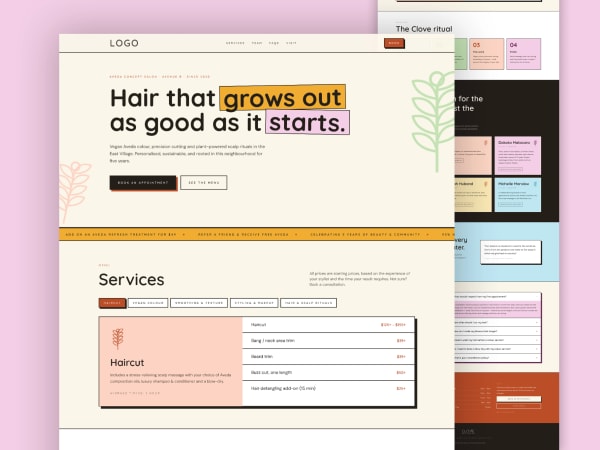
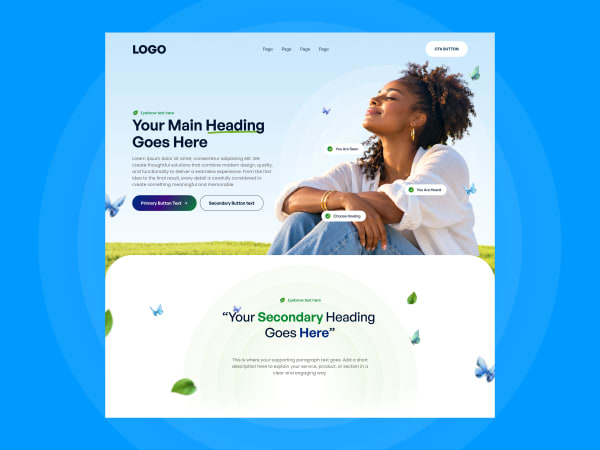
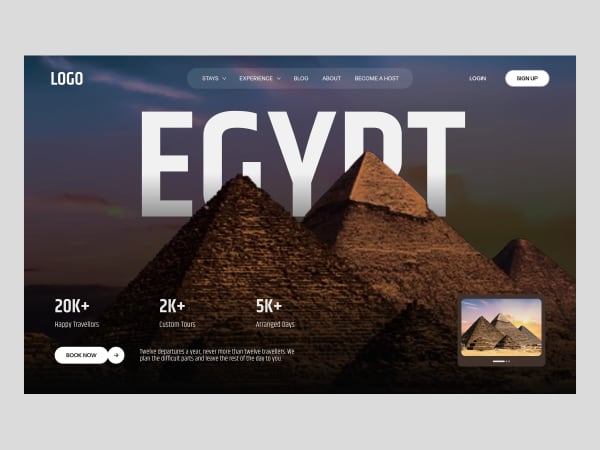
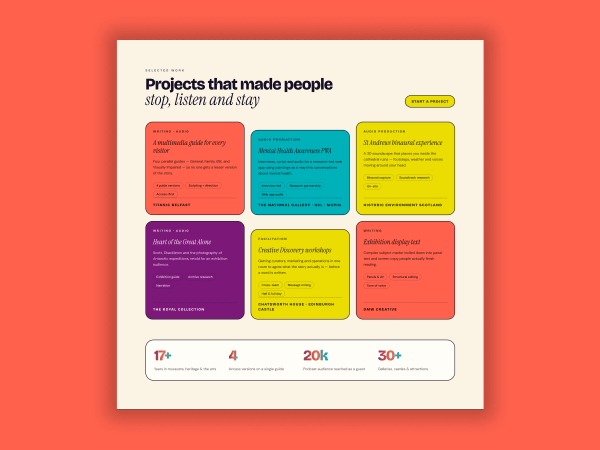
Popular Figma Components
Explore our most downloaded components, crafted with attention to detail and ready for your next project.
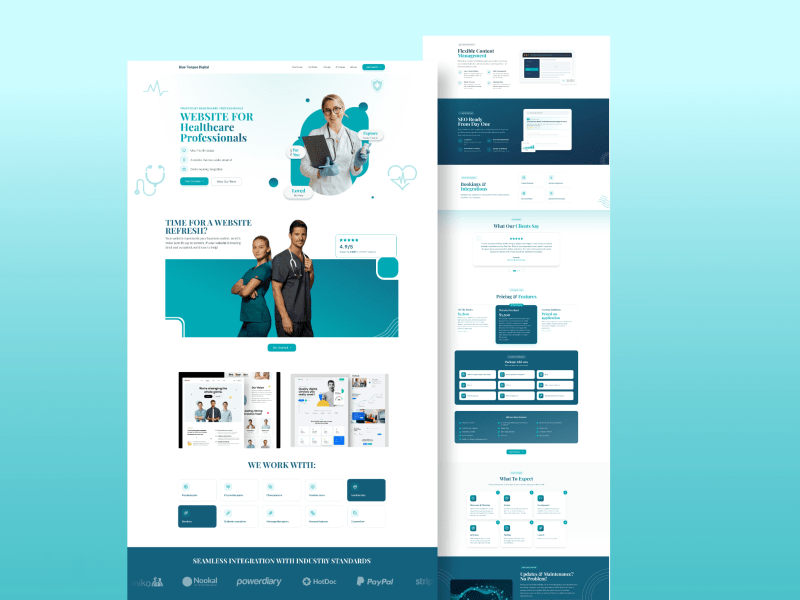
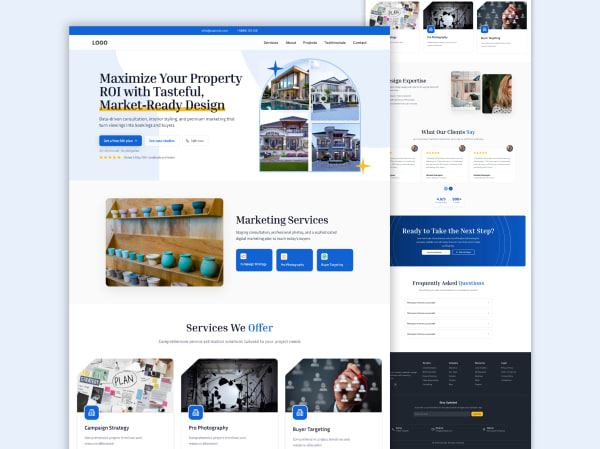
Healthcare Website Figma Template - Medical Professional Landing Page
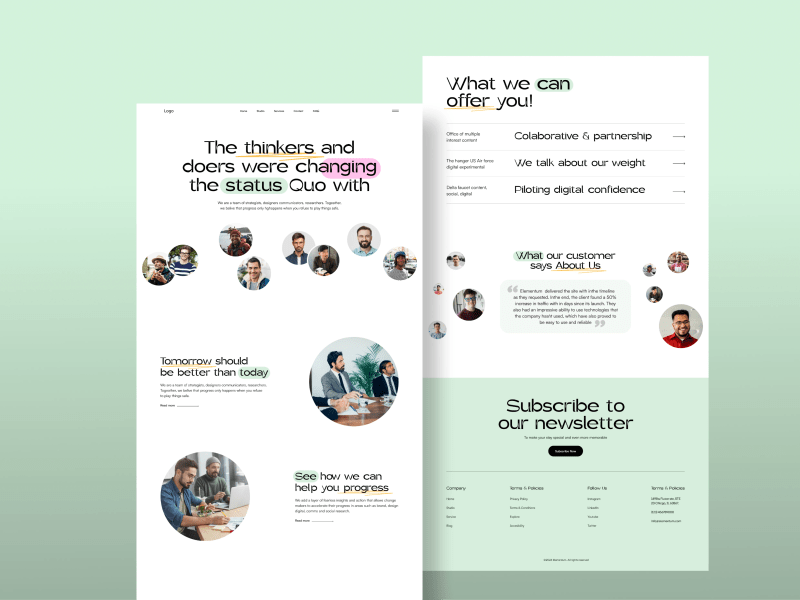
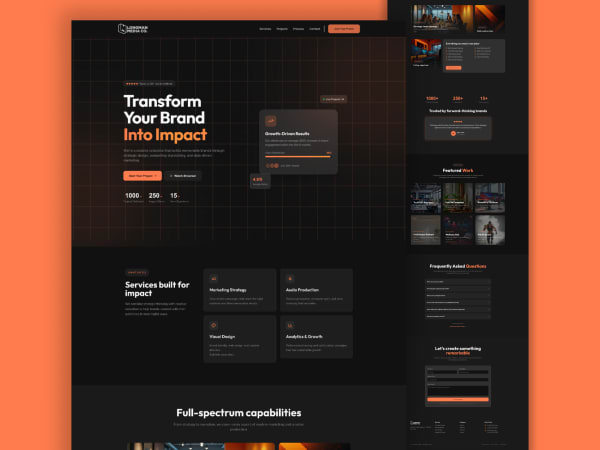
Minimal Agency Landing Page - Full Page Figma Website Template
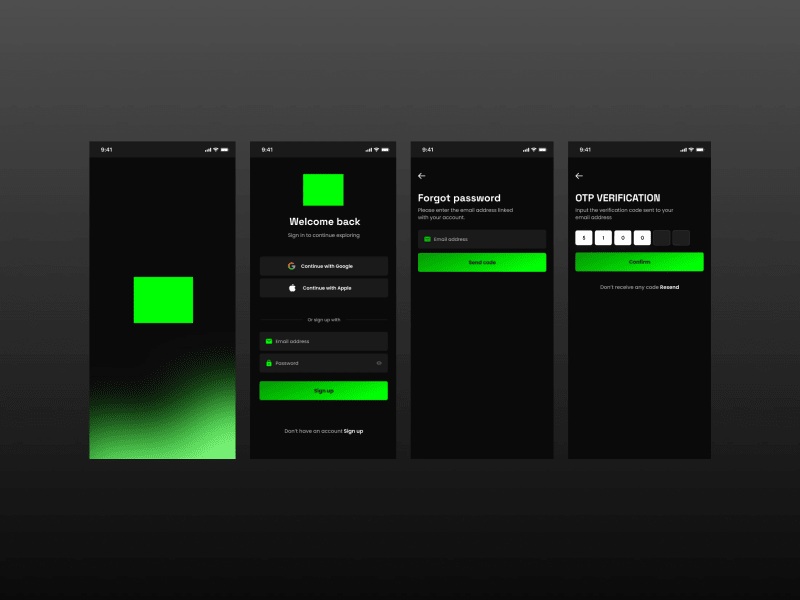
Dark Mode Mobile App Authentication UI - Sign Up, Login, Forgot Password & OTP Screens
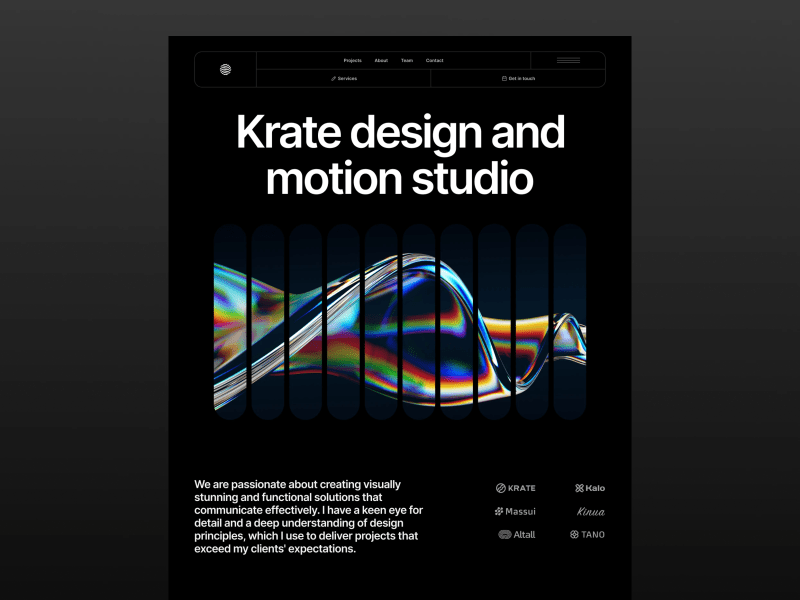
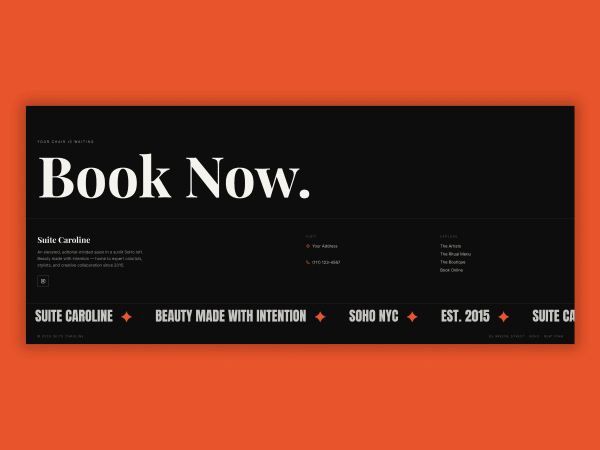
Hero Section Design Template
Browse free Figma templates by category
Find landing pages, hero sections, footers and app screens for your next project. Every template can be previewed in Figma or downloaded as a .fig file.
- Landing Page templates10 free templates
- Hero Section templates5 free templates
- Agency Landing Page templates4 free templates
- Dark Mode templates3 free templates
- Fintech templates2 free templates
- Footer templates2 free templates
- Salon templates2 free templates
- Services Section templates2 free templates
- Finance Website templates1 free template
- Healthcare Landing Page templates1 free template
- Live Streaming templates1 free template
- Mobile App templates1 free template
How to use a free Figma template
- 1
Find a template
Browse by category or search the library for a landing page, hero section, footer or app screen.
- 2
Preview it in Figma
Open any template in Figma to see the layers, spacing and typography before you decide.
- 3
Download the .fig file
Download the file for free and drag it into Figma, or import it from your Figma home page.
- 4
Make it yours
Change the text, colours, fonts and images to fit your brand or your client's project.
A free Figma template library made by a UX designer
FigmaTemplify is a growing collection of free Figma templates for designers, freelancers, founders and agencies who want to start a project from a solid layout instead of a blank canvas. Every template is designed by a UX designer, shown with a full preview, and available as a downloadable .fig file you can open in Figma and edit.
The library covers the pages and sections people build most often: full landing page templates, hero sections, footers, team and testimonial sections, and mobile app UI kits such as sign-in and onboarding screens. Layouts are available for industries including healthcare, fintech, real estate, beauty and travel, so you can pick a starting point close to your own project.
What you get with each template
- A live Figma preview link to inspect the design before downloading
- A free .fig file to edit: text, colours, fonts, images and sections
- A category page and related templates, so similar designs are easy to find
- No account or sign-up needed to browse or download
Library last updated:
Feedback from designers using FigmaTemplify
What our users say
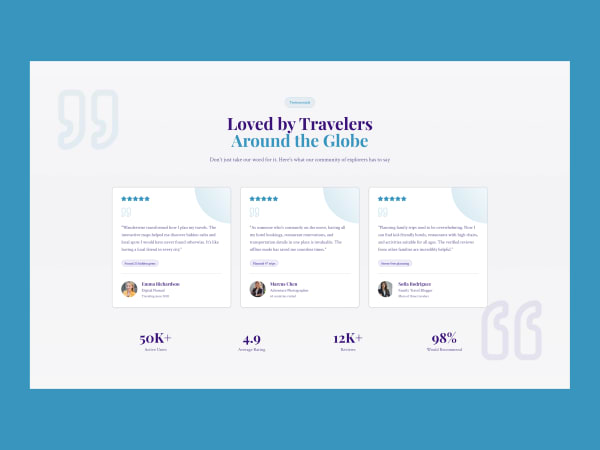
“FigmaTemplify makes it easier to kickstart design projects with well-structured, reusable UI components. It helps streamline my workflow and spend more time refining the user experience.”
Sarah Mitchell
UI/UX Designer
“Having ready-to-use design resources in one place makes a real difference. FigmaTemplify is a useful starting point for building consistent interfaces and speeding up the design process.”
Daniel Carter
Product Designer
“I'm always looking for ways to work more efficiently without compromising design quality. FigmaTemplify offers a practical foundation for creating modern interfaces and exploring new ideas.”
Ayesha Khan
Freelance Web Designer
Latest Articles & Tutorials
Stay updated with the latest design trends, tutorials, and best practices from our team.
Free Figma templates: common questions
Quick answers about downloading, using and licensing the templates.
What is FigmaTemplify?
FigmaTemplify is a library of free Figma templates made by a UX designer: landing pages, hero sections, footers and mobile app UI kits. Each template has a Figma preview link and a downloadable .fig file.
Are the Figma templates free to download?
Yes. You can preview every template in Figma and download its .fig file for free from the template page.
How do I use a .fig file I downloaded?
Open Figma and drag the .fig file into the app, or use the import option on your Figma home page. The file opens in your drafts, where you can edit the layers, text, colours and images.
Can I use the templates in client or commercial projects?
Usage rules are described in our Terms of Service. If you are unsure whether a specific use is allowed, send us a message through the contact page before you use the template.
What kinds of Figma templates can I find here?
The library includes landing page templates, hero section designs, footer blocks, mobile app UI kits and layouts for industries such as healthcare, fintech, real estate and beauty. New templates are added over time.
Can I request a template or hire a designer?
Yes. Use the contact page to suggest a template, or see the design plans on the pricing page if you want custom UI/UX, landing page or branding work.
Ready to Speed Up Your Design Workflow?
Browse the free Figma template library, or tell us about a custom design project.