
Figma Template vs UI Kit: Which Should You Start With?
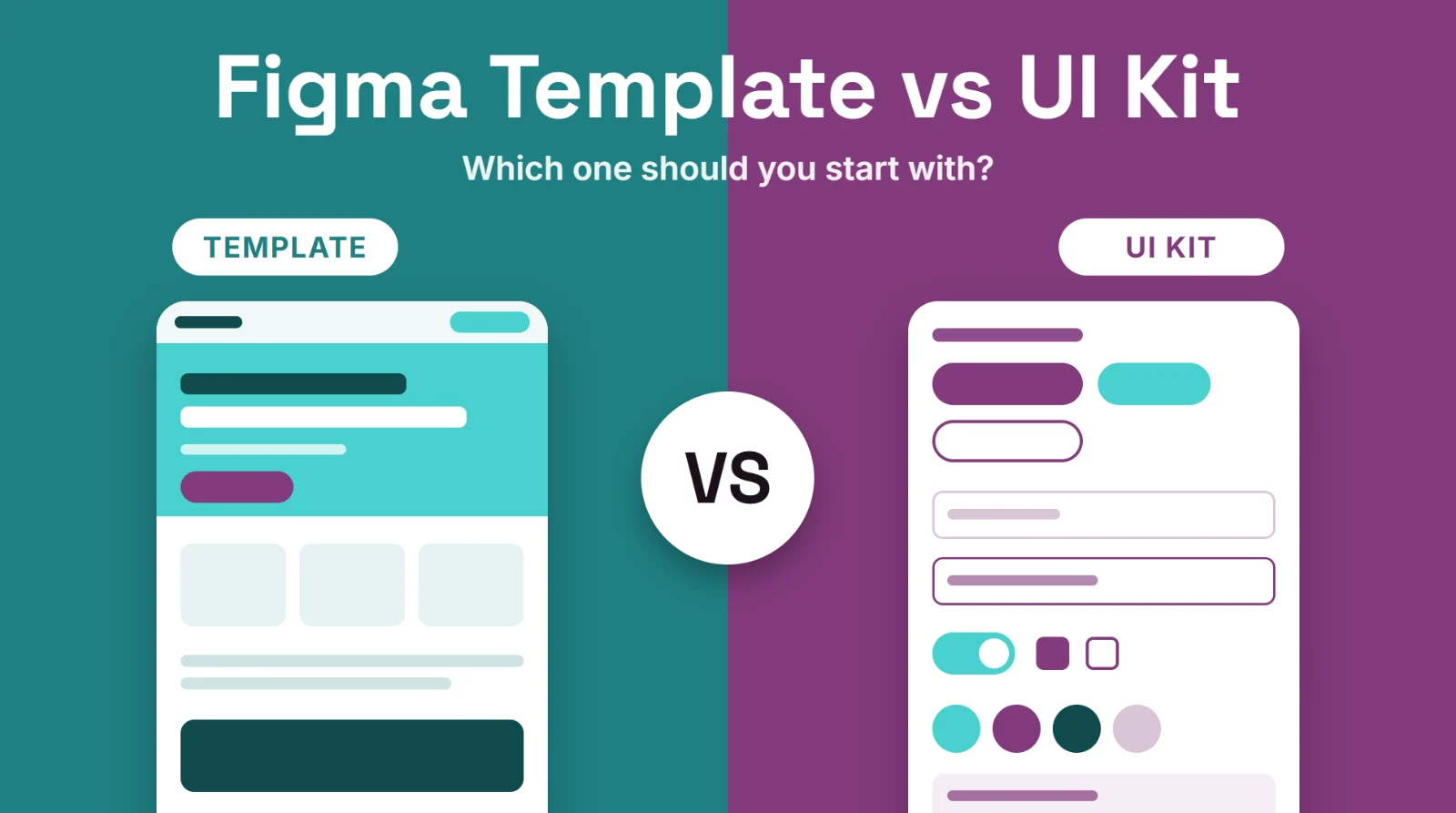
Short answer: a Figma template is a ready-made layout, such as a full landing page or a section, that you adapt. A UI kit is a collection of reusable pieces, such as buttons, forms, cards and icons, that you assemble into your own designs. Choose a template when you need a finished page quickly, and a UI kit when you want building blocks to design something of your own.
Last updated: October 11, 2026
In this guide
- What is a Figma template?
- What is a UI kit?
- Template vs UI kit at a glance
- When to start with a template
- When to start with a UI kit
- Where a design system fits in
- FAQ
What is a Figma template?
A Figma template is a finished or nearly finished design for a specific purpose: a landing page, a hero section, a footer, a set of app screens. It already has layout, spacing, typography and example content. You open the file, replace the placeholder text and images, adjust colors and ship it. The value of a template is speed and a proven structure.
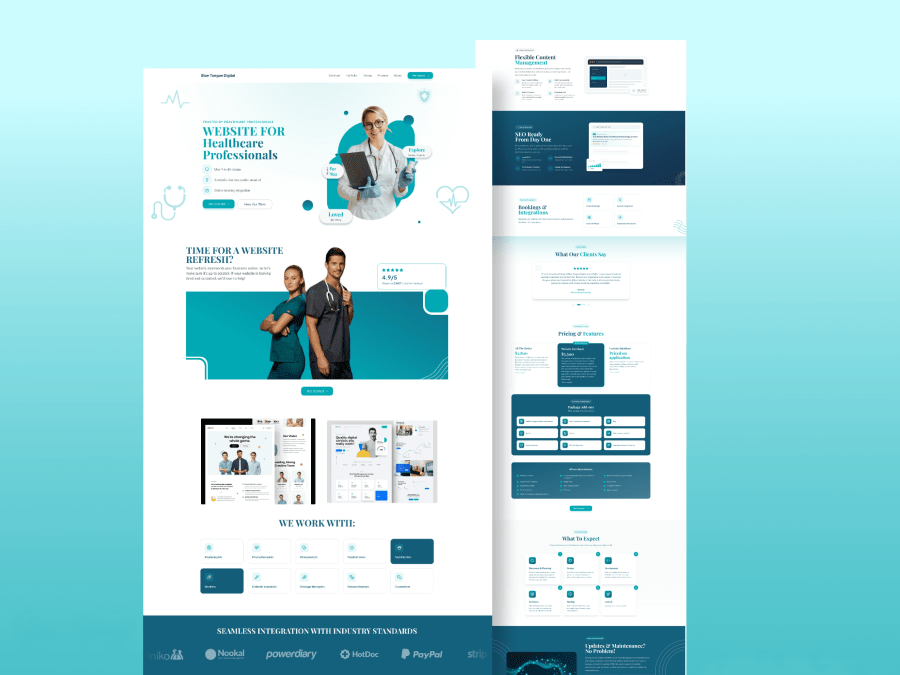
Example of a template: a complete healthcare website landing page with hero, features, testimonials, pricing and process sections.
What is a UI kit?
A UI kit is a library of interface pieces: buttons in several states, form fields, navigation bars, cards, icons, modals and so on, usually built as Figma components so you can reuse them. A kit does not tell you what your page should look like; it gives you consistent parts to build with. People use the words "template" and "UI kit" loosely, and some files mix the two, so judge a file by what it contains rather than its name.
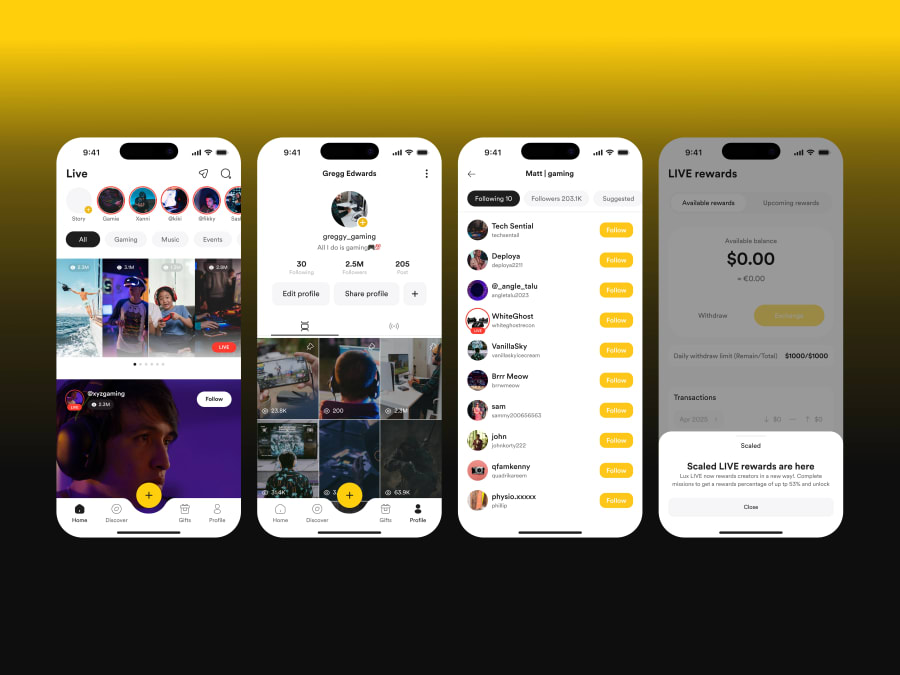
Example of a kit-style file: the live streaming social app UI kit has four mobile screens built from reusable interface parts.
Template vs UI kit at a glance
| Template | UI kit | |
|---|---|---|
| What you get | A complete layout for a page or section | Reusable components and elements |
| Best for | Getting a page done quickly | Designing many screens consistently |
| Work needed | Replace content, adjust style | Compose layouts yourself |
| Flexibility | Limited by the layout | High: you decide the structure |
| Skill level | Beginner-friendly | Some design experience helps |
| Risk | Looks generic if barely changed | Can take longer to reach a finished page |
When to start with a template
- You need a landing page, hero section or footer and want to move fast.
- You are not sure how to structure a page and want a proven layout.
- You are a freelancer or small team with a tight deadline.
- You want to learn by editing a finished design.
Good places to start: free landing page templates, hero section templates and footer templates. Once you have picked one, follow our guide to customizing a Figma template in 15 minutes.
When to start with a UI kit
- You are designing an app or product with many screens that must look consistent.
- You want exact control over layout and are comfortable building pages.
- You plan to grow the design over time and need reusable components.
- You are working with developers who expect a component library.
A mobile-focused example is the mobile app category, where you will find screen sets such as sign-in and verification flows.
Where a design system fits in
A design system is bigger than either: it combines components, design rules (colors, type, spacing), and guidance on how and when to use them, so a whole team stays consistent. A UI kit can be the starting point of a design system. A template is usually a single deliverable made with such parts. For a small project, you rarely need a full design system; a template or a small kit is enough.
How to choose in three questions
- Do I need a finished page or a toolbox? A finished page points to a template; a toolbox points to a UI kit.
- How much time do I have? Little time favors a template.
- How unique must the result be? The more unique, the more you will change a template or build from a kit.
Many designers use both: a kit for the shared components, and templates as layout references.
FAQ
Is a UI kit better than a template?
Neither is better in general. A template is faster for a single page; a kit is better for building many consistent screens.
Can I turn a template into a UI kit?
Yes. You can extract repeated parts, such as buttons and cards, into Figma components and reuse them across your designs.
Are Figma templates free?
Many are. Every template in the FigmaTemplify library has a free .fig download. Check the Terms of Service for how they may be used.
Which is better for beginners?
Templates. They show a finished structure, and editing one teaches you how layouts, spacing and type work together.
Do templates and UI kits work with the same Figma file?
Yes. Both are Figma files. You import them the same way; see how to open and import a .fig file.
Can you design a custom template or kit for me?
Yes. See the design plans, or get in touch through the contact page.