

Agency Landing Page Design: Two Free Figma Templates Compared
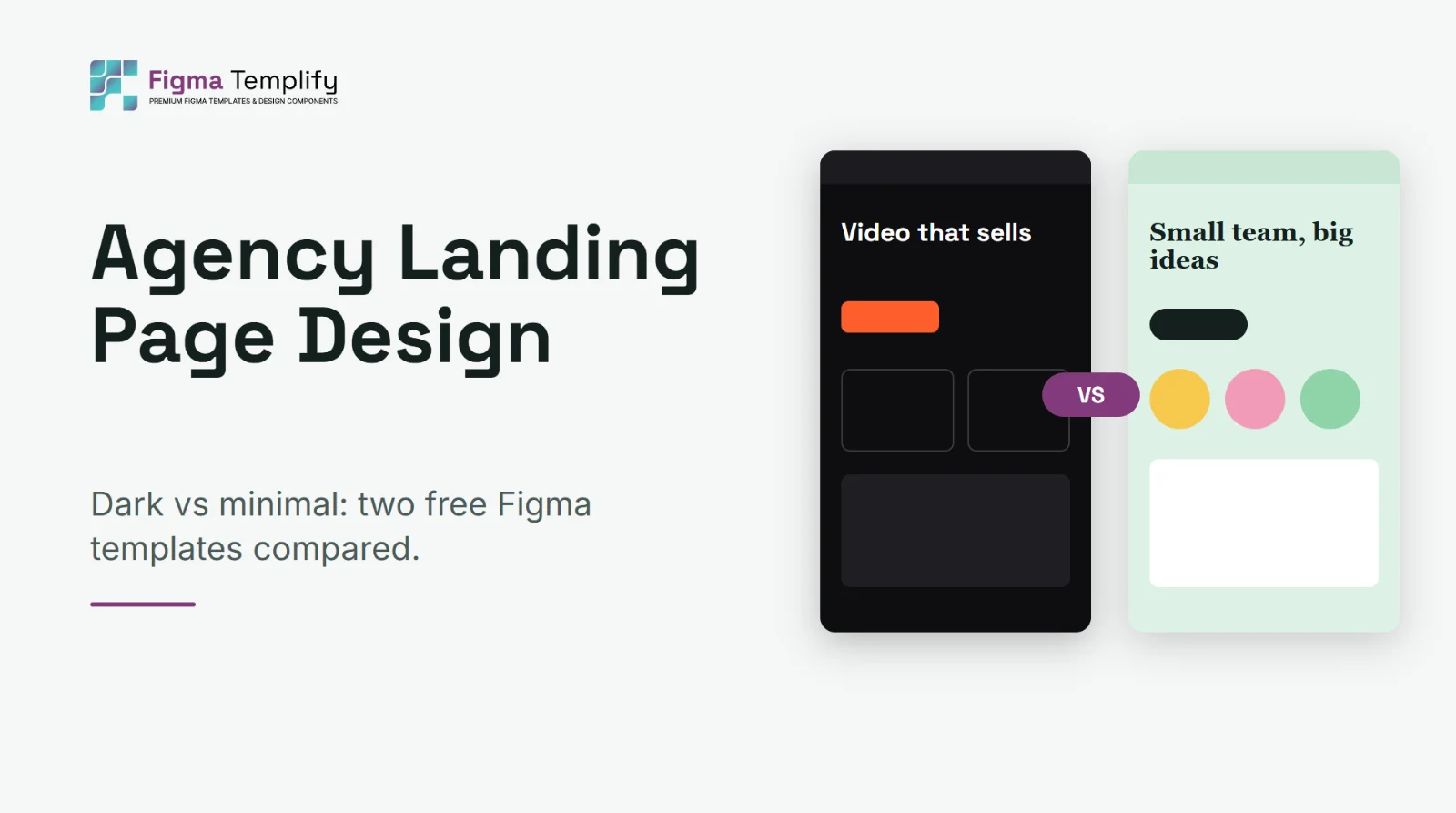
Short answer: an agency landing page has to do one thing: make a stranger believe you can do the work, and make contacting you easy. Whatever template you start from, the order is usually a clear headline and offer, proof of results, services, selected work, a testimonial, answers to common doubts, and a contact form. The visual style (dark and bold, or light and friendly) should match how your agency actually talks to clients.
Last updated: October 25, 2026
In this guide
- Pick the tone before the template
- Two real examples compared
- What to put above the fold
- Proof beats adjectives
- Customizing a template in about an hour
- Mistakes agency pages make
- FAQ
Pick the tone before the template
Agency sites often look alike because people choose a layout first and a voice second. Reverse that. Write down two sentences on how you talk to clients: formal or relaxed, bold or reassuring, specialist or generalist. Then choose a template whose look supports that voice. A production studio that sells confidence will feel wrong on a pastel, hand-drawn layout, and a friendly consultancy will feel wrong on a black, high-contrast one.
Two real examples compared
Both of these are free in our library, and they show how far the same section list can be pushed in two directions.
| Dark Media Agency | Minimal Agency | |
|---|---|---|
| Look | Charcoal background, orange accent, grid-pattern hero | Soft mint background, serif headlines, hand-drawn highlights |
| Feels like | Confident, portfolio-driven | Friendly, personal |
| Proof | Floating results card and stats in the hero, featured work, testimonial | Circular team photos, testimonial with floating avatars |
| Good for | Video, media and marketing studios | Small agencies, consultancies, creative collectives |
| Closing | FAQ, contact form, footer | Newsletter block, four-column footer |
The structure is nearly the same: a hero, services, proof and a way to get in touch. What changes is the emphasis. The dark template puts numbers and finished work forward. The minimal one puts people forward. Neither is better; they sell different things.
What to put above the fold
The first screen should answer three questions without scrolling: what do you do, who is it for, and what should I do next. A headline that names the outcome ("Video that turns viewers into customers") works better than one that describes the agency ("We are a creative team"). Support it with one line of detail and a single clear button, such as "Book a call" or "See our work".
The dark template adds a floating results card in the hero, which is a useful idea to borrow: one concrete number next to the headline does more than a paragraph of claims. Use a real number from a real client, or leave it out.
Proof beats adjectives
Every agency says "creative", "results-driven" and "full service". Visitors skip those words. What they believe is specific evidence:
- Named results: "Cut onboarding time from 12 days to 4" is stronger than "improved efficiency".
- Real work: three well-presented projects beat twelve thumbnails.
- A testimonial with a name, role and company. Anonymous quotes are easy to dismiss.
- The team. Real faces make a small agency feel trustworthy, which is the idea behind the circular portraits in the minimal template.
If you do not have results yet, say what you do offer, such as how you work and what a client gets in the first two weeks. Do not invent numbers.
Customizing a template in about an hour
- Download and open the file. See how to open a .fig file in Figma if you have not done it before, and check missing fonts first.
- Rewrite the copy before touching the design. Headline, services, testimonial, FAQ. Layout decisions get easier once the words are real.
- Swap the accent color and logo. One color change on a well-built file updates the whole page. See how to customize a Figma template.
- Replace the images. Use your own work. Stock photos are the quickest way to make an agency look generic.
- Remove sections you cannot fill. An empty "Featured work" block is worse than none. Check the full list in landing page sections to decide what is essential.
- Check the mobile layout. Most first visits to an agency site happen on a phone.
Mistakes agency pages make
- Talking about yourself first. Lead with the client's problem or result.
- Too many calls to action. One primary action, repeated, is clearer than four different ones.
- Hiding the contact form. Make contacting you possible from any scroll position.
- Slow, heavy pages. Big case-study images should be compressed.
- Copying a template without changing the structure. If you serve a niche, add a section for it.
FAQ
What sections should an agency landing page have?
At least a hero with a clear offer, services, proof (work and a testimonial), common questions and a contact route. Add team and pricing only if they help a visitor decide.
Is a dark or light design better for an agency?
Neither wins by default. Dark layouts suit studios selling bold, visual work; light layouts suit friendly, service-led teams. Pick the one that matches how you talk to clients.
Can I use a free Figma agency template for a client?
Our free templates can be used in personal and commercial projects under the Terms of Service. Read them first, and check the licenses of any fonts and images you add. More background is in can you use free Figma templates for client work.
Where can I find more agency templates?
Browse the agency landing page category, or compare options in best free Figma landing page templates.